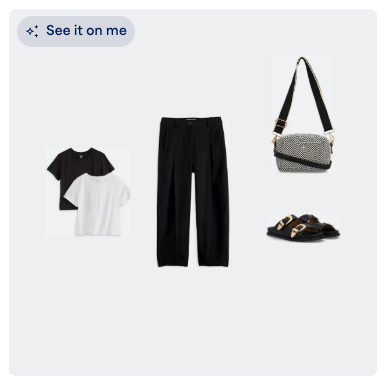
When shopping directly from the Shop Your Looks page, you’ll see the option to “See it on me” within every outfit tile. This feature allows you to virtually try on the outfit. All you need to do first is set up your Vision profile!
How to Use “See it on me”
- Navigate to your Shop Your Looks page
- Locate an outfit you’d like to see on yourself
- Select See it on me
- If you haven’t set up your Vision profile yet, a prompt will guide you to complete it
- Once your personalized image generates, you’ll have the option to shop the look or view your Vision image gallery
How to View Generated Outfits
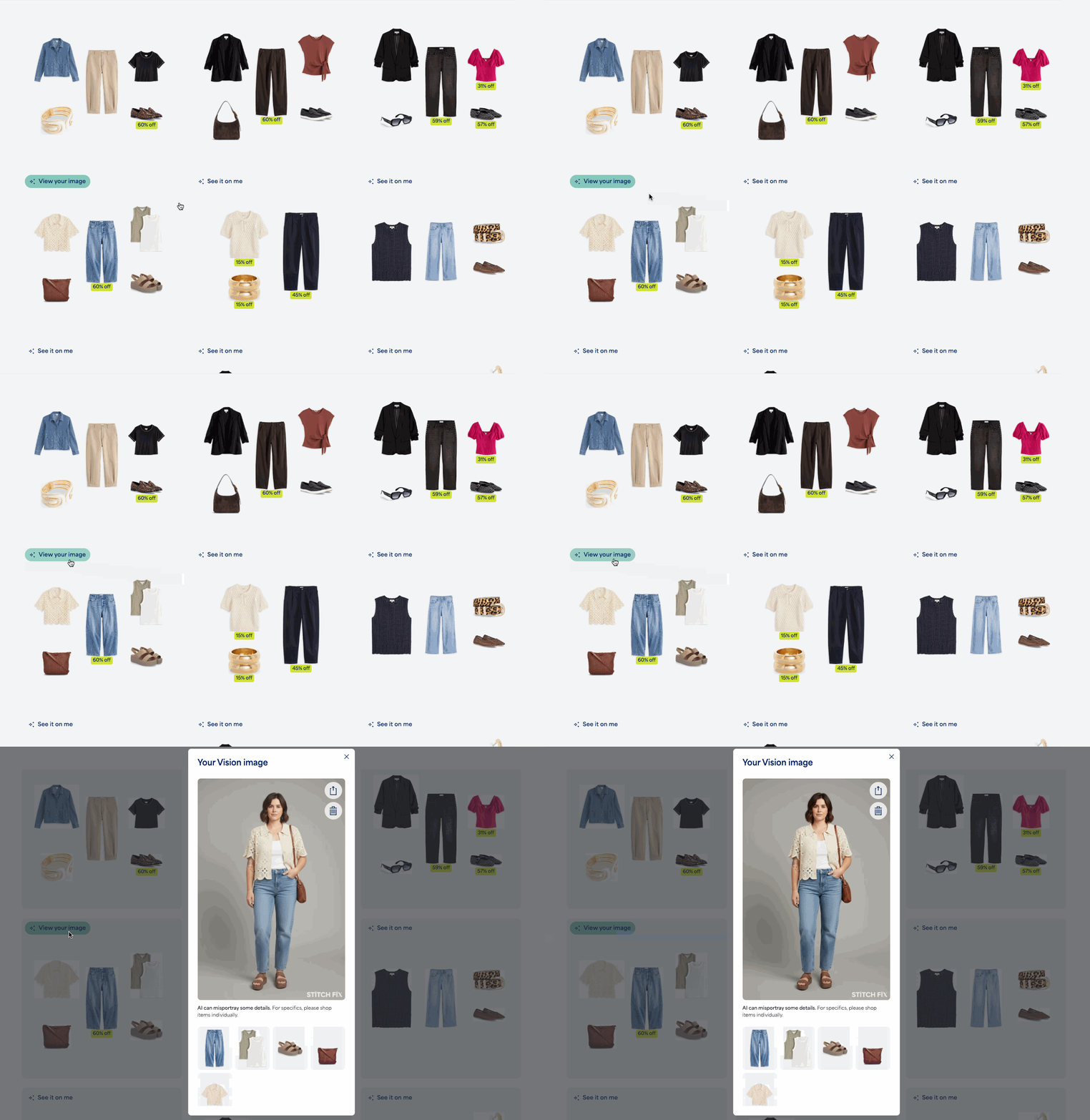
Once an image is generated, the See it on me button will update to View your image. Selecting this button will re-open the generated outfit. Alternatively, you can find the image directly within your Vision image gallery.
How to Provide Feedback
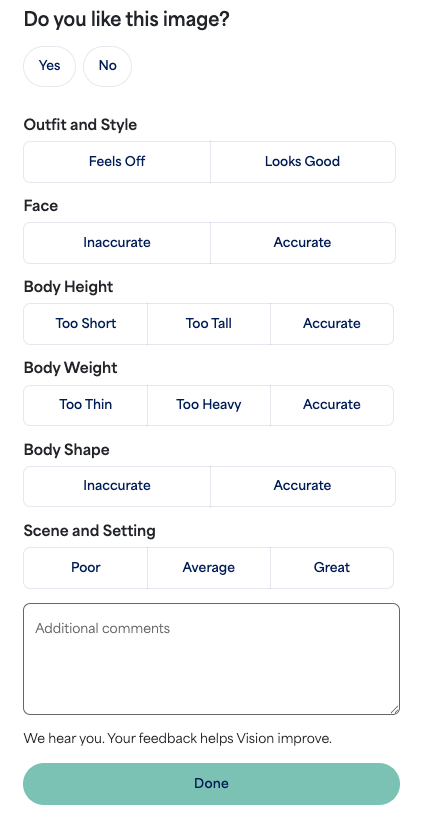
We want to hear from you! With each generated image you’ll have the option to leave feedback on image scenery, outfit and style, along with face, body, and height likeness.
In order to provide feedback:
- Select View your image from the outfit tile and then directly click on the image
- From the Vision image gallery: locate and select the image
- Provide specific feedback by selecting from the options provided for each category
- You also have the option to leave freeform feedback
- Select Done
Once you submit your feedback, you're all set to keep exploring your personalized looks!