What is Stitch Fix Vision?
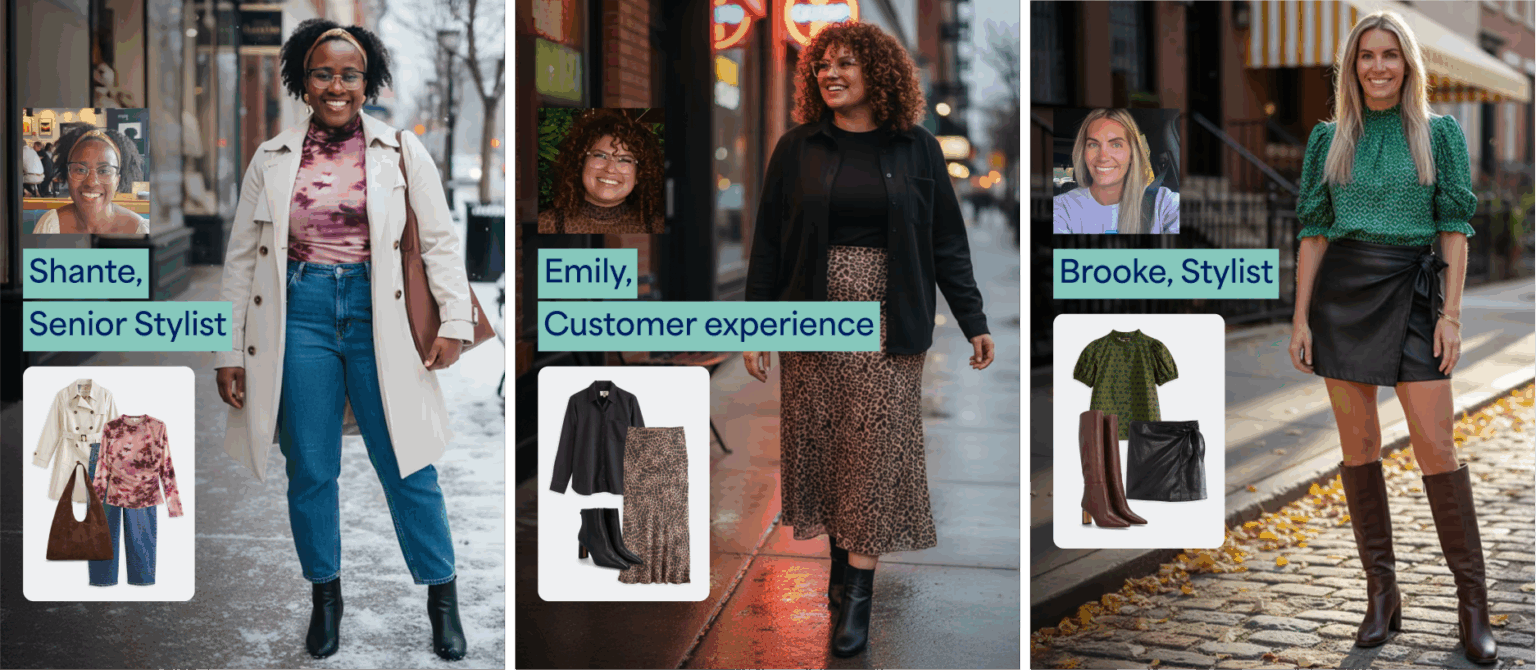
Stitch Fix Vision is your go-to, shoppable, and inspirational style visualization tool. It uses advanced Artificial Intelligence (AI) to generate stunning, personalized images of you wearing the latest looks and trends.
How Does Vision Work?
We believe in the power of a human-AI partnership. We combine our proprietary AI algorithms and meaningful data from millions of clients with the hands-on expertise of our Stylists, which allows us to create an AI outfit generator that is perfectly tailored to your individual style and preferences.
Once your personalized looks are generated, easily share your new style inspiration with friends and family via messaging, email, and social media applications!
Getting Started with Vision
Ready to see yourself in new outfits? Getting started is easy and takes just a few steps!
- Select the profile icon with your initial
- Select Vision image gallery from the menu to get started
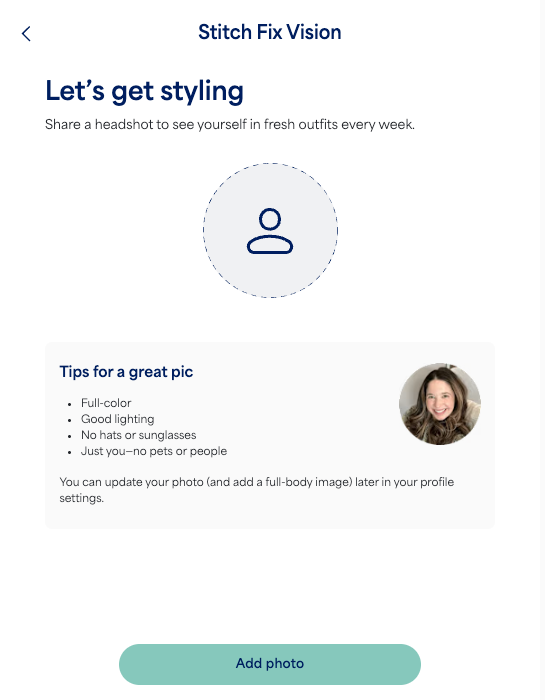
- Select Add photo and upload a recent selfie to personalize your looks
- Follow any remaining prompts
- iOS app: Ensure your app notifications are turned on to receive Vision updates!
Once your Vision image gallery is set up, you’ll have the option to make the images look and feel more like you by adding a full-body photo to the Profile photos section of your account. Please note that only clients who are 18 and up can use and interact with Vision.
Shopping with Vision
Browse Vision images on the web or app for new style inspiration! Each image includes shoppable links or the option to receive that style in an upcoming Fix – always with free shipping, returns and exchanges.
Item out of stock? We’ve got you covered:
- Shop similar styles curated just for you below each product’s description
- Save the style using the heart icon for future reference and to let your Stylist know you’re interested
Interested in seeing a specific item or outfit on you? Try our See it on me feature when shopping Freestyle!
How to Provide Feedback
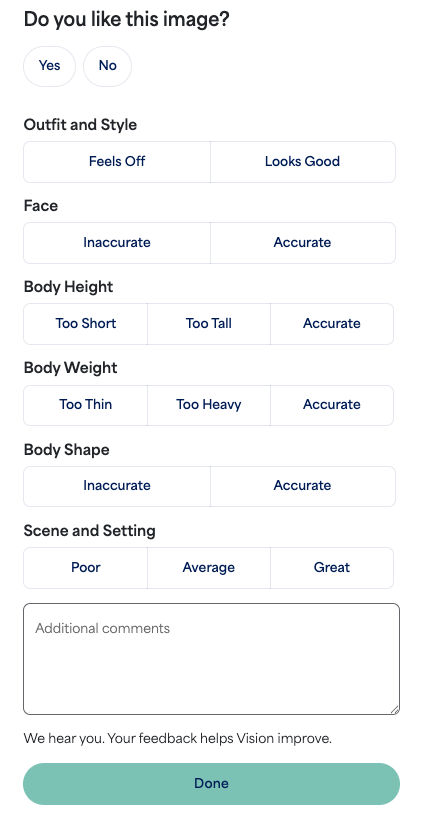
We want to hear from you! With each Vision image you’ll have the option to leave feedback on image scenery, outfit and style, along with face, body, and height likeness—helping improve Vision over time!
In order to provide feedback:
- Select the profile icon with your initial
- Select Vision image gallery from the menu
- Select the image you’d like to provide feedback on
- Provide specific feedback by selecting from the options provided for each category
- You also have the option to leave freeform feedback
- Select Done
Changing Profile Photos
Profile photos can only be updated within the Stitch Fix iOS and Android app.
- Select the profile icon with your initial
- Select Profile photos from the menu
- Edit and upload new photos
- Be sure to use photos with full color, bright lighting, and a natural pose
- Select Done
Updated profile photos will be used to create your next weekly batch of Vision images!
Opting Out of Vision
You can opt out of receiving fresh Vision images weekly.
- Select the profile icon with your initial
- Select Vision image gallery
- Next to Get fresh Vision images weekly at the top of the page, toggle the button off
Individual images can also be deleted using the trash icon in the top right corner of each image. Note that Vision images cannot be recovered once deleted.